Texting your doctor

Summary
A more accessible way to talk to your doctor. You text your friends, your parents, even your grandparents. Why not your doctor? Chat put the care team, prescriptions, lab results and the doctor's notes in one conversation.

Role
Co-founder, Product & Design

Scope
Messaging, prescription and lab notifications, prescription details, lab results and file history
Messages and Orders
Messages
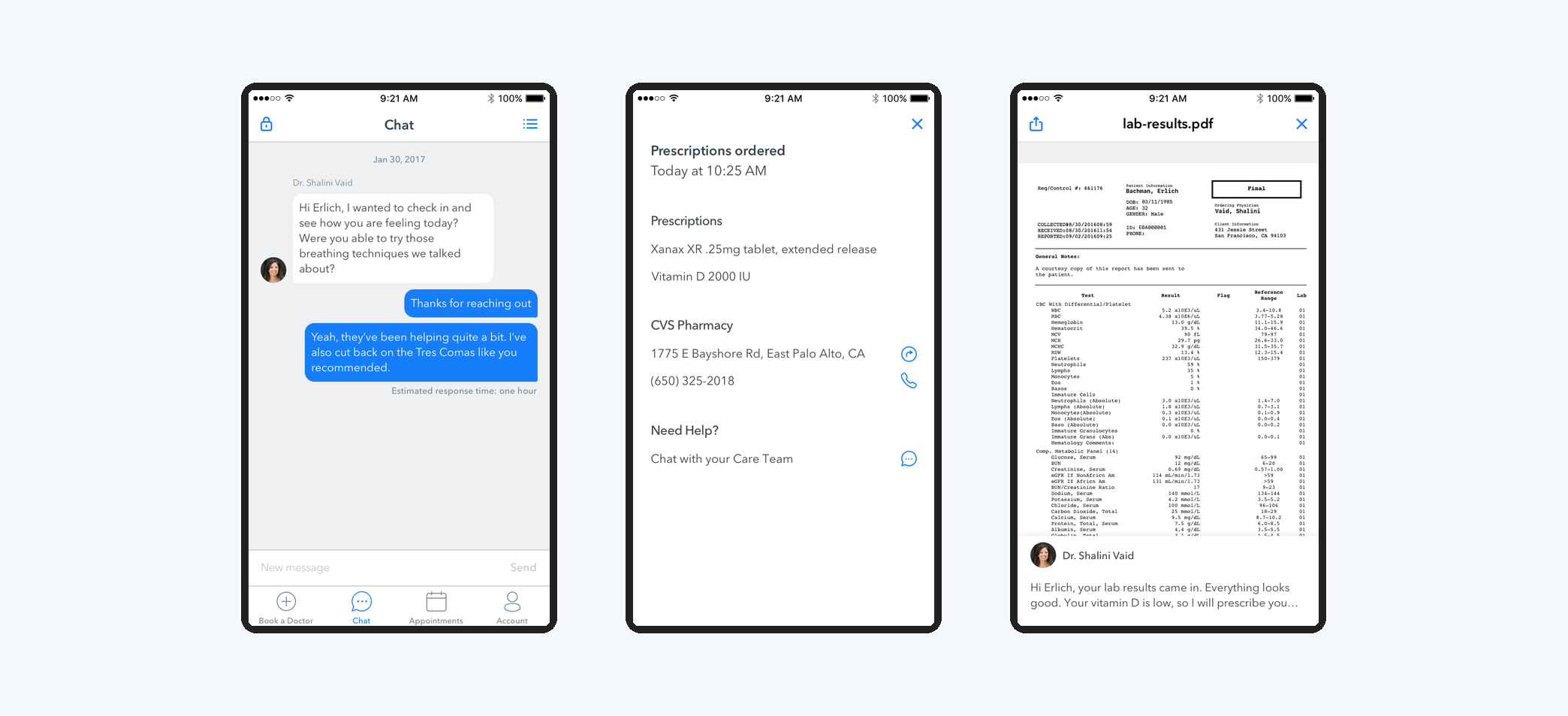
Quick responses from your care team. A member of the care team replies within the hour and triages every message. Medical questions are answered by the patient's doctor.
Orders
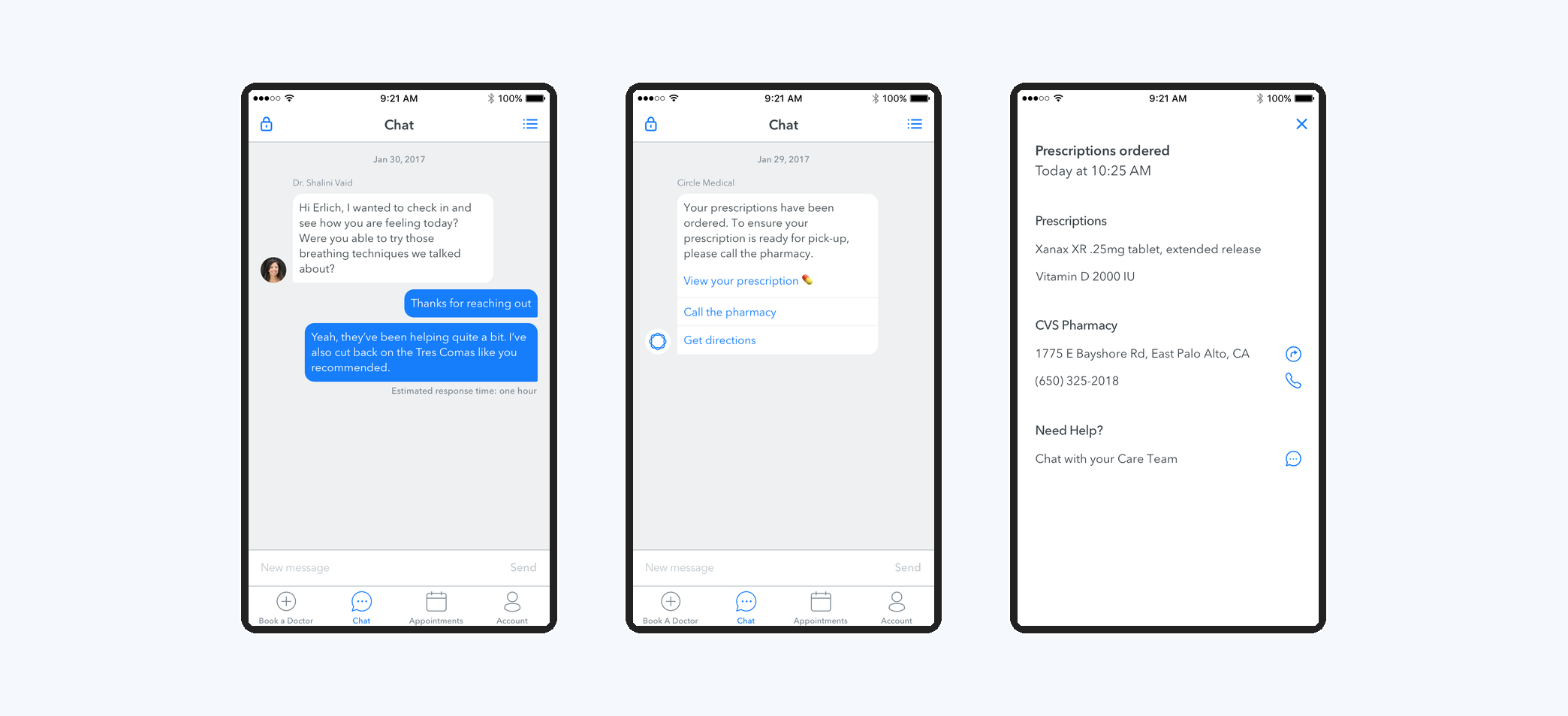
A message goes to the patient automatically when the doctor orders a prescription or a lab. No more rushing to the pharmacy to find the order isn't ready.
Prescription Detail
Can't remember the name of the prescription? It's one tap away at the pharmacy, with the pharmacy's address and phone number and a quick way back to the care team.
Lab Results
Attachments
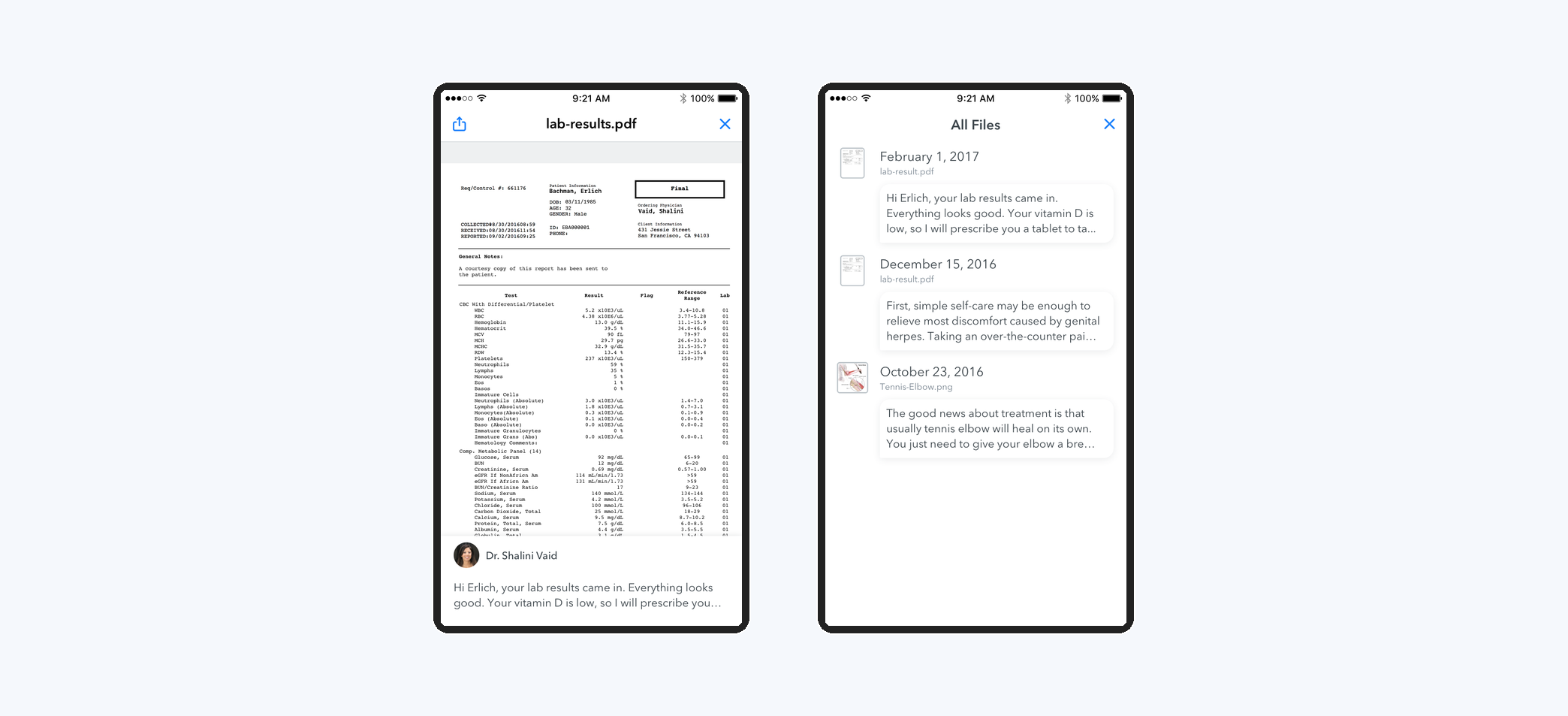
When lab results are ready, the doctor shares them with the patient. Results mean little without interpretation, so every result carries the doctor's message with it.
History
Over the course of their care, patients receive many lab results, diagrams, PDFs and images from their doctor. This view keeps them all in chronological order.